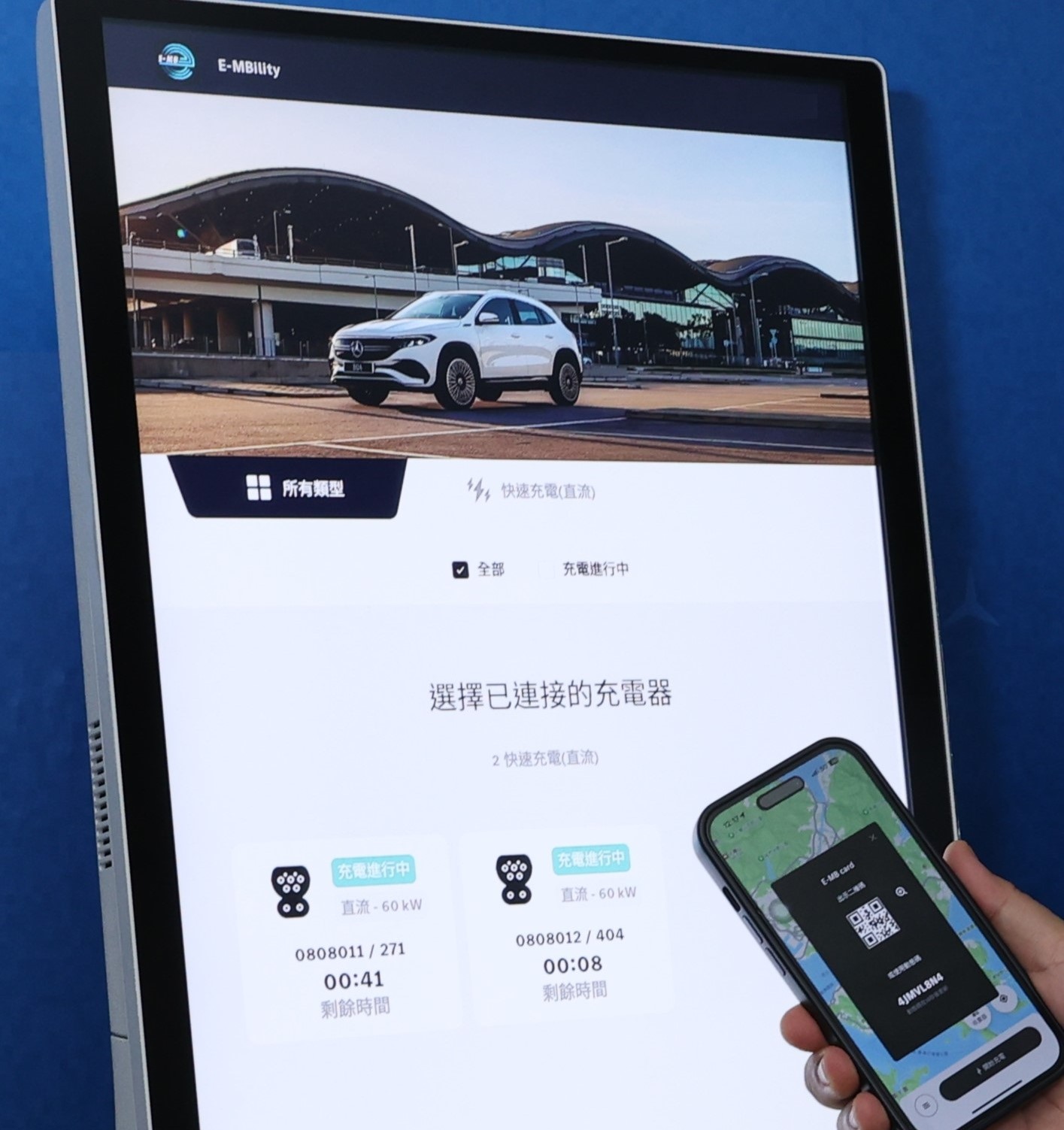
To further enhance the charging experience and convenience, the Mercedes-Benz Charging Network (excluding The Quinn.Square Mile) will cease accepting Octopus with effect from 16 June 2026. From that date onwards, all charging services will be available exclusively through digital payment via the “E‑MBility” App.
Users can link a credit card (Visa, Mastercard, or American Express) in the App in advance to ensure uninterrupted access to charging services.
Furthermore, any remaining balance in the E‑MB Wallet must be fully utilized on or before 16 June 2027. Any outstanding balance thereafter will be forfeited and is non-refundable.
Credit Card Setup Steps
- Open the “E‑MBility” application
- Go to “E‑MB Wallet”
- Select “Payment Method” and follow the instructions to add a credit card
For more details, please refer to the tutorial video: https://youtu.be/4YXI8xZLALc
為進一步提升充電體驗及便利性,平治充電網絡(利奧坊.壹隅除外)將於 2026 年 6 月 16 日起 停止支援八達通付款。
屆時,所有充電服務將全面轉用「E‑MBility」應用程式進行數碼支付。
請各位用戶於「E‑MBility」應用程式內綁定信用卡(支援 Visa / Mastercard / American Express),以確保充電服務不受任何影響。
此外,如用戶的 E‑MB Wallet 內仍有餘額,請務必於 2027 年 6 月 16 日或之前悉數使用。逾期之餘額將未能發還及退款。
信用卡綁定步驟
- 開啟 「E‑MBility」應用程式
- 進入「E‑MB 錢包」
- 選擇「付款方式」,並按照指示新增信用卡
詳情請參閱教學影片:https://youtu.be/4YXI8xZLALc